SpeechBubbles: Enhancing Captioning Experiences for Deaf and Hard-of-Hearing People in Group ...
summary
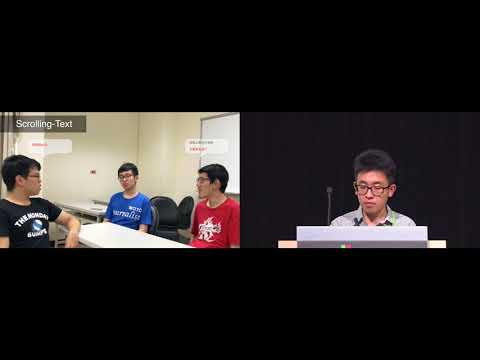
Paper claims bubble-style captions improve group conversation comprehension and comfort: interviews with eight DHH participants guide four design dimensions; a 12-participant lab study finds two-line/three-line bubbles beat single-line, an enumerated vs rising bubble comparison shows rising bubble minimizes effort, and bidirectional angle hints plus partial or full out-of-view text outperform ellipsis. Prototype runs on Microsoft HoloLens with Google Speech API; six deaf users test it and five prefer SpeechBubbles over traditional captions.
AI-written summary · about
chapters (14)
- 0:00Introduction to SpeechBubbles
- 0:59Challenges in group conversations
- 2:01Current captioning limitations in AR
- 3:05Participatory design process
- 4:30Evaluating design dimensions
- 5:14Speaker association results
- 5:56Content amount preferences
- 7:00Ordering speech display methods
- 8:29Out-of-view speaker location hints
- 9:58Out-of-view speech captioning
- 11:01Preferred design choices summary
- 11:42AR prototype user feedback
- 12:24Future work and conclusion
- 12:52Q&A session
related talks
 30mHear! An Accessibility Tale from a Hearing-Impaired Senior Software Engineer
 56mBeyond Colors and Captions: How to Provide More Inclusive Accessibility
 55mDigital Modernization Through Accessibility
 12mCoSight: Exploring Viewer Contributions to Online Video Accessibility Through Descriptive Commenting
 08mInterview of Emmanuelle Aboaf
 30mHear! Hear! An Accessibility Tale from a Hearing-Impaired Senior Software Engineer
 59mAccessibility for the Deaf / Hard of Hearing and Progress Over Perfection
 44mDesigning for deaf people, for everyone actually