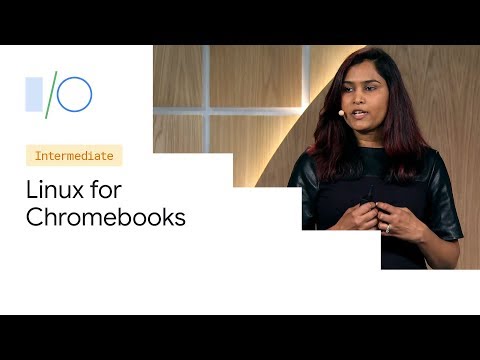
Linux for Chromebooks: Secure Development
summary
Linux for Chromebooks (Crostini) gives a sandboxed Linux development environment that is now supported on over 50% of Chromebooks and runs a read‑only Termina VM plus writable LXD containers (default container name: Penguin). File sharing uses a Rust‑written 9P server called 9S that only exposes user‑shared folders; ports are forwarded over VSOCK for trusted local web testing; USB devices require explicit granting. Snapshots, multiple distro containers (Debian, Arch), and Android Studio support work from the Chrome OS shell.
AI-written summary · about
chapters (18)
- 0:00Introduction
- 2:45Why Linux on Chromebooks
- 4:23Launcher
- 5:01Agenda
- 5:35Chrome OS Security
- 7:47Pillar Security
- 9:25Design Goals
- 11:34Accessing Files
- 12:30Layered Approach
- 13:54Sharing with Linux
- 15:45Web Server
- 16:45Starting a Web Server
- 18:44Trusted Domain
- 20:29Testing Android Apps
- 21:54Implementing USB
- 23:45Demo
- 28:47Snapshot
- 29:58Containers
related talks
 23mLinux & Android Development on Chrome OS
 55mLinux Security APIs and the Chromium Sandbox
 46mLinux Security APIs and the Chromium Sandbox
 50mLinux Security and How Web Browser Sandboxes Really Work
 01h 25mSandboxing a Linux Application
 15mFerrochrome: A Linux VM on Android host via AVF
 20mNew Frontiers
 06mSponsored Keynote: Why Developer Laptop Security is Key to Securing Your CI/CD Pip...