Best practices in using the Android Emulator
summary
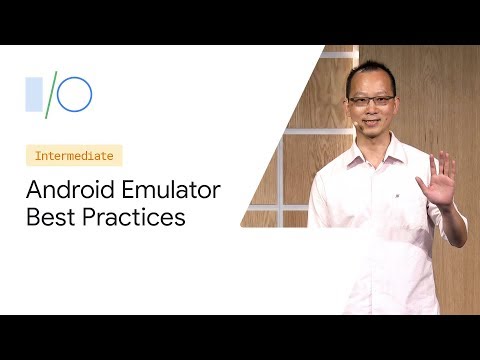
Android Emulator claims near-device speed (benchmarks show it slightly outperforms a Pixel 2 XL) by running x86 guests with CPU hypervisors (HAXM, Windows Hypervisor Platform, macOS Hypervisor Framework, KVM) and GPU virtualization for Vulkan/OpenGL ES 3.1. File transfers use virtual TCP/shared memory so adb push is much faster. Features include Quick Boot snapshots that resume in seconds, a Virtual Scene camera with AR Core Macros for repeatable AR tests, Play Store-enabled end-to-end testing (including in‑app purchases), 900,000 compatibility tests, multi-instance read-only clones with copy-on-write RAM sharing, and an emulator-headless binary for CI.
AI-written summary · about
chapters (16)
- 0:00Introduction and history
- 2:27Emulator speed benchmarks
- 3:22Architectural improvements
- 5:45Faster workflows and ADB
- 7:38Snapshot and quick boot
- 9:11ARCore virtual camera
- 11:16Efficiency and battery
- 12:37Compatibility and testing
- 15:42Google Play Store support
- 17:11Snapshots for workflows
- 20:46Multitasking and foldables
- 23:02Parallel instance testing
- 25:37Multi-instance scenarios
- 27:59Headless mode for CI
- 30:17Diagnostic workflow
- 33:09Conclusion
related talks
 34mAndroid Emulator deep dive
 25mRun it Locally! How to run your emulators in the cloud.
 47mOreo, Nougat, Marshmallow and Lollipop: Effective Android Testing in 2019
 05mTest at scale with Gradle managed devices
 11mRunning Android emulators in Travis CI
 37mAndroid meets Docker
 51mEmbedded Android #2 - Working with the AOSP
 08h 39mLivestream | Day 2, theater 2