Building Interactive 3D Maps Yourself
summary
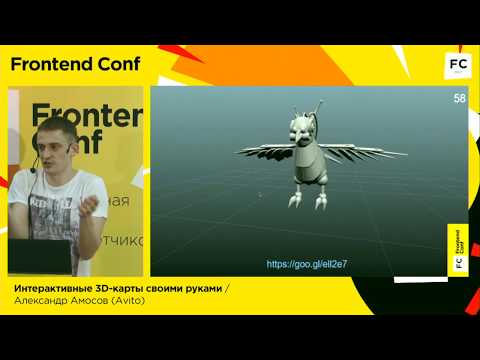
A practical walkthrough of building an interactive 3D office map using WebGL: from modeling the office in a 3D editor to implementing a WebGL visualization and applying game-oriented optimizations. The talk focuses on using a 3D model plus database-linked interactivity for navigation and locating colleagues, equipment and meeting rooms, and covers performance techniques borrowed from computer games to make the project usable in-browser.
AI-written summary · about
chapters (9)
- 0:00Introduction
- 2:14Office navigation problem
- 3:593D model creation
- 8:58WebGL features
- 12:55Using frameworks
- 17:54Interactivity and features
- 20:47Performance optimization
- 29:19Video memory issues
- 33:13Tips and conclusions
related talks
 31mWebGL: Building Interactive 3D Worlds in the Browser
 01h 14mWorkshop: Preparing 3D Graphics in the Browser (Part 1)
 20m3D in Web Development
 01h 07mWorkshop: Preparing 3D Graphics in the Browser (Part 2)
 17mBuilding Immersive Experiences on the Web
 13mWebGL Demo with THREE.js
 37mMake it Blend: Bringing VFX Techniques into the Browser
 37mThe next frontier WebGL and WebVR