Multi-screen development with QtQuick
summary
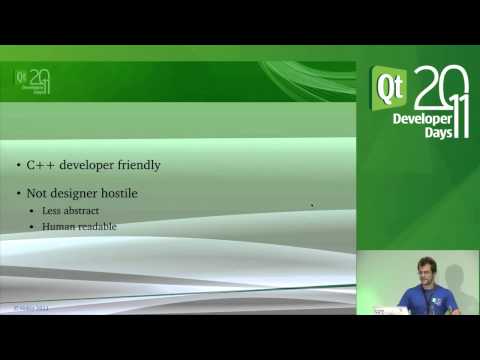
Qt Quick drives a real product: the open-source Qt Media Hub (code on gitorious) with a C++ core for media parsing, DB and JSON‑RPC/HTTP control and QML skins for UI. Lazy component creation, ForceActiveFocus for keyboard, and backend-driven SQL queries solve memory, focus and cross-resolution issues. A QML2 port takes about two hours to get running; targets include 720p set‑top boxes and a Raspberry Pi (ARM11 800 MIPS, Broadcom GPU), while <128 MB RAM devices fail.
AI-written summary · about
chapters (8)
- 0:00Introduction to multi-screen QtQuick
- 1:53Case study of QtMediaHub
- 10:24Skinning and UI flexibility
- 17:30QtQuick 5 and performance
- 24:15Merits of QtQuick for devices
- 31:18QtQuick vs Graphics View
- 36:13QtQuick 5 migration and demo
- 37:18Q&A session
related talks
 28mHow to Develop with Qt for Multiple Screen Resolutions
 01h 22mQt Quick - Introduction to Qt Quick (part 1/4)
 40mHow to Develop with Qt for Multiple Screen Resolutions and Increase
 24mThe Roadmap: Next Generation Qt (part 2/2)
 45mCross-platform application and UI scalability
 24mDesigning UI Architecture for Embedded Devices with Qt and QML
 01h 21mQt Quick - User Interaction - User Input and States (part 2/4)
 27mModern 3D user interface design with Qt Quick