Using Qt Quick for Rapid UI Prototyping and Development
summary
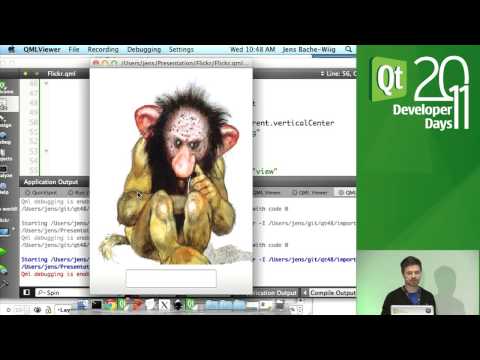
A Flickr-style mobile UI called Flicker is built from scratch using Qt Quick/QML and finished as a working prototype in about 30–45 minutes, with assets sliced from Inkscape and reusable QML components for the text field and toolbar. Data comes from the Flickr API via XMLListModel, the list shows ~20 items, thumbnails swap _B to _S for performance, states and animated transitions slide into a full‑screen image view, and the prototype runs live on a Nokia N8 using QML Viewer.
AI-written summary · about
chapters (13)
- 0:00Start
- 2:11test your prototypes on actual hardware
- 4:37start breaking this down into a working prototype
- 8:15export the toolbar
- 14:38making a reusable component
- 19:56tweak the fonts
- 22:38create a border image
- 24:11make the toolbar a separate component
- 24:29keep the toolbar in a different file
- 31:13use easing curves
- 32:19put our back button on our toolbar
- 39:56use the xml list model
- 41:34set the model on the listview
related talks
 01h 10mQt Quick - Rapid User Interface Prototyping
 59mBetter UI/HMI development workflows with Qt/QML
 53mQt Multimedia
 42mHow to Improve Productivity with Qt on Mobile, Desktop & Embedded
 27mQML Rapid Prototyping
 01h 12mQt Quick for C++ Developers
 55mEffective QML
 32mImprove the software development process with Qt