Getting Started - a Qt fast track 3/4 - Widgets and Layouts
summary
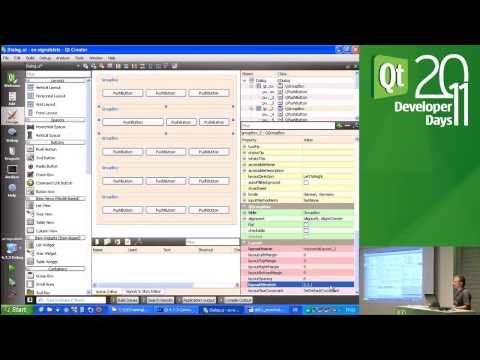
Covers building QWidget UIs with Qt Creator and Qt Designer, showing concrete code: use QHBoxLayout/QGridLayout/form layouts, set sizeHint/minimum/maximum, control resizing with stretch factors and spacers, and pick size policies (Minimum, Preferred, Expanding). Demonstrates composing a custom FileChooser (QWidget with QLineEdit and QPushButton, emits filenameChanged) and a working text editor using QPlainTextEdit and QFileDialog — the editor is implemented and running in about three minutes of live coding.
AI-written summary · about
chapters (11)
- 0:00Introduction to UI
- 8:51Using Qt Designer
- 13:51Layout management basics
- 20:54Layout stretch and spacing
- 28:27Size policies explained
- 33:41Custom widget creation
- 42:41Custom widget guidelines
- 53:53Composed widget example
- 1:04:32Main window elements
- 1:17:31Building a text editor
- 1:23:49Cross-platform deployment
related talks
 25mBest Practices for using QML and QtQuick
 02h 16mWORKSHOP: Back to Basics: writing a model
 23mQt Quick : Don't make these mistakes!
 58mQt for Device Creation
 27mSet Yourself up for Success — Lessons Learned from Building 100+ Devices with C++/Qt/QML
 01h 00mQt for MCUs – A Deep Dive
 30mThe building blocks of QML, and how to use it with C++
 35mQtinUse - UI & System Design Challenges for the NxG Lighting Tool