The MariaDB Jupyter Kernel
summary
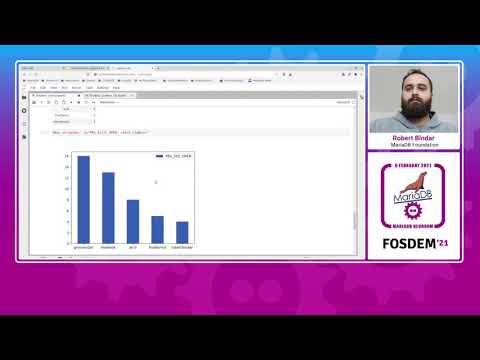
Beta release on PyPI provides a MariaDB kernel installable with pip install mariadb_kernel that registers in Jupyter and can launch a server if none is reachable. It runs SQL cells, keeps the last SELECT as a result set, renders tables like pandas DataFrames, and offers magics %lsmagic %bar %pie %df that generate matplotlib charts or export CSV for pandas/Altair. Demo datasets include a 2009–2019 "commiters" table and GitHub PRs; internals use ClientConfig, MariaDBClient/MariaDBServer, CodeParser and MagicFactory.
AI-written summary · about
chapters (12)
- 0:00Introduction and overview
- 1:29Main features of the kernel
- 2:14Installation and setup demo
- 3:51Live command notebook demo
- 6:30Magic commands showcase
- 7:15Pie chart visualization demo
- 9:14Pull Request analysis demo
- 11:32Bar chart visualization demo
- 12:41Exporting data to Python
- 14:24One-click MariaDB server demo
- 15:50Kernel internals explained
- 19:55Conclusion and thanks
related talks
 40mPython & MariaDB: A Match?
 17mUsing MariaDB ColumnStore with Power BI for Visualization and Reporting
 41mMariaDB The New MySQL
 27mState of MariaDB
 37mThe MariaDB Evolution: Just a fork of MySQL?
 17mState of MariaDB
 40mState of Jupyter
 42mColumnar Storage + Python: Powering Modern Data Science and Analytics