Getting set-up for streaming dev rel
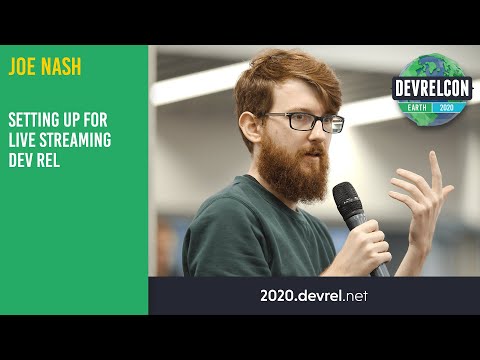
summary
Recommends a minimal stack: OBS or Streamlabs for scene switching, a decent webcam and mic (logitech C920 or Blue Yeti), and Elgato capture for separate stream machines; on Mac add Rogue Amoeba Loopback because OBS cannot capture desktop audio by default and OBS VirtualCam or a proof‑of‑concept build is required to send OBS as a camera to Zoom. Notes NVIDIA RTX Voice can remove room noise but results vary, Elgato HD60 works for dual‑PC setups, and Twitch favors long, interactive or game‑show style dev content.
AI-written summary · about
chapters (10)
- 0:00Introduction to streaming DevRel
- 1:09Why streaming matters now
- 3:57OBS setup basics
- 10:25Hardware recommendations
- 13:33Lighting and audio setup
- 24:15Content strategies for DevRel
- 27:29Twitch for developer relations
- 33:24Platform choices and moderation
- 42:02Moderation and community tools
- 45:16DevRel meetups and next steps
related talks
 14mSessie 6 Live Streaming 101
 01h 01mLearning in public - Live coding on Twitch
 01h 03mLearning in Public:: Live Coding on Twitch
 01h 04mLearning in public - Live coding on Twitch
 24mDon't Forget to Like and Contribute: Streaming and Open Source Communities
 11mScreencasting 101
 29mWork-From-Home Virtual Production
 54mNail the Demo: Remote Work as Performance Art