Affordable Custom Input Devices

summary
Workshops show building low-cost custom input hardware using an Arduino Leonardo to emulate keyboard/mouse/gamepad, 3.5 mm switch sockets for standard assistive buttons, and cheap parts (dealer-priced foam joystick knob listed at ~$50). Demonstrations include a force-tuned “super button” with a load cell and haptic feedback, a tiny open adaptive controller alternative to the $99 Xbox unit, and a full motor controller with CAN bus and solenoid brakes driving chairs at 55–60 A per motor. Designs and code are on GitHub.
AI-written summary · about
chapters (16)
- 0:00Introduction
- 1:17Cost of assistive technology
- 9:55Xbox Adaptive Controller
- 14:03Super Button
- 18:00Chair Breakout
- 20:17Super Chair
- 22:16Controller
- 24:05Raspberry Pi
- 26:06Collision Avoidance
- 27:38Voice Control
- 31:26Working Together
- 32:36Questions
- 35:11Unique Problems
- 36:46Regulatory Problems
- 39:16Button Interface
- 41:41Python
related talks
 03mFoot-Based Game Controller to Improve Interaction Between Participants
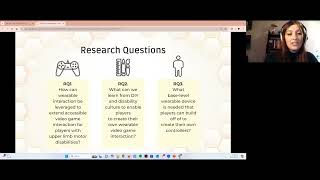 03mExploring Gaming Wearables for Players with Upper Limb Motor Disabilities through Design Fiction ...
 37mThe Past Year’s Games Accessibility Advances
 44mHack for good: Accessibility testing with a Flipper Zero
 42mFrom circuit board design to finished product: the hobbyist’s guide to hardware manufacturing
 24mA11Y IRL (Accessibility in real life)
 20mHybrid-Brailler: Combining Physical and Gestural Interaction for Mobile Braille Input and Editing
 35mUseful Reality - Assistive wearable tech on a budget