Godot Game Engine - how to start?
summary
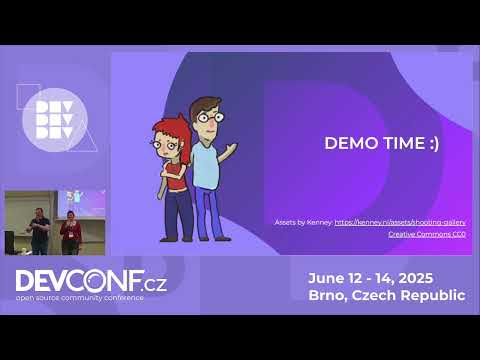
A duo uses Godot to build a working web-ready mini “duck shooter” during the demo: assets from Kenny are tiled into a 2D scene, collisions use Area2D shapes, input handlers are connected to a simple GDScript that toggles a shot sprite, movement is done with AnimationPlayer, and the project targets the compatibility renderer for easy WebGL export. Examples note Doom Keeper’s ~500k sales and ~50,000 Godot-tagged games on itch.io to show real-world viability.
AI-written summary · about
chapters (12)
- 0:00Godot Game Engine intro
- 1:04Game engine overview
- 3:11Why choose Godot
- 7:08Start first project
- 10:22Demo: new project
- 11:27Build game scene
- 17:01Running the basic game and adding details
- 19:08Add interactivity & scripting
- 23:32Dynamic animation
- 26:22Reuse scenes & objects
- 28:29Deploy to platforms
- 30:20Q&A: deployment & performance
related talks
 45mLet’s Make a Game
 43mLet's Fight a Dragon with Godot
 44mLive coding a 3D game in 45 minutes (with open source tech!)
 51mBuild Your Own Game Engine in the Browser
 50mBuild Your Own Game Engine in the Browser
 51mBuild Your Own Game Engine in the Browser
 46mBuild Your Own Game Engine in the Browser No experience necessary, all experience
 26mdeveloping videogames in JavaScript