Develop from anywhere with Visual Studio Code
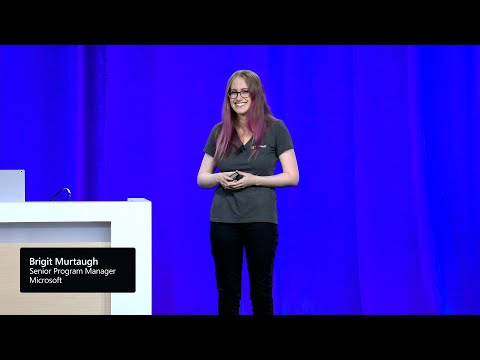
summary
Live demos show VS Code connecting via remote SSH to an Azure VM, opening the repo, and running code there; a dev container with Jekyll image provides Ruby and port forwarding so the site serves successfully; Copilot gives inline suggestions and answers about the environment; a Codespace is created from the same devcontainer with selectable machine sizes; a PR is opened and reviewed in vscode.dev; a new code CLI tunnel lets a tablet connect to the desktop and run a full remote terminal.
AI-written summary · about
chapters (13)
- 0:00Introduction and setup
- 1:58VS Code architecture
- 4:40Remote SSH development
- 7:28Profiles and Co-pilot
- 10:45Remote terminal and debugging
- 14:01Dev containers overview
- 18:09Running in a dev container
- 20:22GitHub CodeSpaces
- 23:55Pull request workflows
- 27:44VS Code for the web
- 31:43GitHub issues notebooks
- 33:32VS Code tunneling
- 36:57Conclusion and resources
related talks
 59mUnleash the Power of Visual Studio Code
 26mDevelop from Anywhere with GitHub Codespaces
 57mUnleash the Power of VS Code
 01h 00mUnleash the Power of VS Code
 28mEffective Remote C++ Development with Codespaces
 30mMake the Cloud Your Dev Box with Visual Studio Online
 40mRemote development in a remote-first world
 48mVisual Studio Code can do that?