The Definitive Deep Dive into the .git Folder

summary
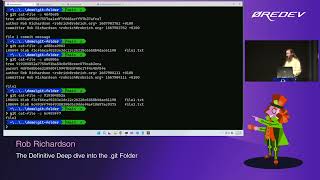
Walks through every file in .git and proves how commits, trees and blobs are stored by creating a repo, adding files and inspecting zlib objects with a custom unzipper Node script, then builds and demoes a browser visualizer Git Explorer (Node/TypeScript, npm start) that color-codes commit/tree/blob nodes. Shows that one simple commit produces three objects from one commit, staging creates blob objects before commit, identical file contents dedupe to one blob, and dangling/amended commits still remain in objects.
AI-written summary · about
chapters (17)
- 0:00Introduction to .git folder
- 1:06Creating first commit
- 3:38Exploring Git objects
- 10:25Introducing Git Explorer tool
- 14:31Working with folders and files
- 22:39Understanding branches and HEAD
- 29:31Git logs and refs
- 35:52Git hooks and automation
- 40:10Git configuration files
- 46:39Index file and staging area
- 48:49Temporary files in .git
- 50:17Git config levels explained
- 51:29Rebase and commit history
- 54:43Cherry-picking commits
- 56:09Interactive rebase
- 58:40Merge vs rebase strategies
- 59:24Q&A and closing
related talks
 01h 07mThe definitive deep dive into the .git folder
 53mThe Definitive Deep Dive into the git Folder
 43mThe Definitive Deep Dive into the .git Folder
 45mThe definitive deep dive into the git folder
 01h 08mThe definitive deep dive into the .git folder
 35mWhat's inside the .git folder
 01h 00mDeep Dive into Git
 42mInside the .git folder - Explore the mysterious depths...