The Definitive Deep Dive into the git Folder
summary
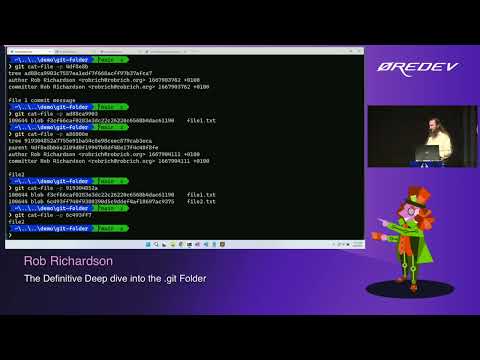
Explores every file under .git and shows exactly how commits become zlib‑compressed objects, how commit → tree → blob links map working files, and how parent hashes produce unique IDs; demos use of git cat-file, a homemade unzipper and a visualizer called git explorer, creates a bare server, pushes branches and tags, triggers hooks, inspects reflog to recover an orphaned commit, and demonstrates that committed secrets persist until rotated and pack/gc consolidates objects.
AI-written summary · about
chapters (30)
- 0:00Welcome
- 2:09About speaker and Git
- 3:37Exploring .git folder
- 5:02Git objects and hashes
- 8:29Commit and tree objects
- 10:38Multiple commits
- 12:50Visualizing Git history
- 14:37Files in subdirectories
- 16:04Staging changes
- 17:51Committing secrets
- 21:03Removing sensitive data
- 23:43Detached HEAD state
- 25:12Branches and refs
- 26:38Creating branches
- 27:42Detached HEAD recovery
- 28:46Using Git tags
- 29:50Remote Git server
- 31:37Fetching and pushing
- 33:23Remote server objects
- 34:27Understanding reflog
- 36:17Recovering lost commits
- 37:43Git hooks automation
- 40:59Managing Git hooks
- 42:04Configuring .gitignore
- 43:29Rarely used Git features
- 44:52Git garbage collection
- 45:57How Git status works
- 48:06Customizing Git config
- 50:36Git aliases
- 51:43Summary
related talks
 01h 07mThe definitive deep dive into the .git folder
 45mThe definitive deep dive into the git folder
 01h 00mThe Definitive Deep Dive into the .git Folder
 01h 08mThe definitive deep dive into the .git folder
 35mWhat's inside the .git folder
 01h 00mDeep Dive into Git
 42mInside the .git folder - Explore the mysterious depths...
 26mThe Zen of Git