Developer’s Guide to Customizing Copilot
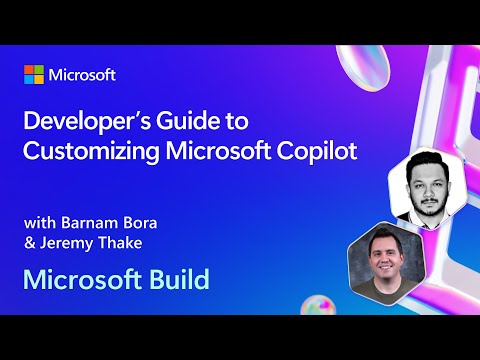
summary
Outlines concrete paths: Graph Connectors push flattened content into Microsoft Graph (example: partner indexed videos and 50 items visible in the admin UI) so the orchestrator answers without external calls; API plugins call external APIs for real‑time, highly relational data and can perform actions (example: Templafy receives extracted info and generates a sales agreement); declarative Copilots bundle custom prompt instructions, connectors and plugins for focused workflows; custom engine Copilots use Azure/OpenAI models and Teams Toolkit/VS Code to host full stacks (example: Aisera books meetings) and are available in public or private preview.
AI-written summary · about
chapters (13)
- 0:00Welcome
- 1:13Copilot for Microsoft 365 overview
- 4:22AI platform stack
- 9:18Graph Connectors deep dive
- 16:40Plugins for real-time data
- 23:21Building with Copilot
- 24:23Your own Copilots
- 26:35Declarative Copilots explained
- 31:04When to use declarative Copilots
- 33:08Custom Engine Copilots and BYO AI
- 36:31Custom Engine Copilots demo
- 39:29Custom Engine Copilots in action
- 40:53Recap and next steps for developers
related talks
 49mBuild your custom Copilot with Microsoft Copilot Studio
 43mHarness the power of AI: Extend Copilot and beyond
 23mKEYNOTE: From Copilot to Flight Captain
 56mBuild your own CoPilot
 45mExploring Copilot Capabilities
 25mAgentic User Interfaces in Copilot and Power Platform
 09mCopilot App Deep Dive: Intelligence, Context & Agents
 01h 51mShaping the future of work with AI