Building blocks for using Azure-native experimentation
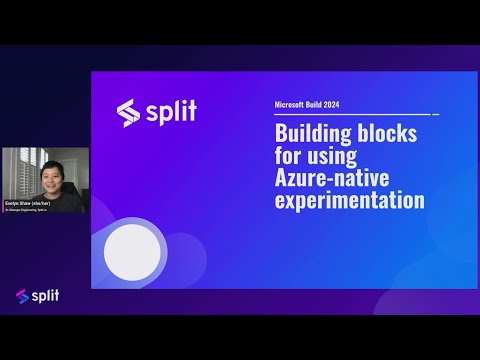
summary
Shows how Split Experimentation for Azure App Configuration hooks feature flags from Application Config Feature Manager to metrics from Application Insights, creates a workspace, defines metrics (purchases and API latency), and runs variant flags v1 baseline vs v2/v3 with even traffic splits. One variant yields higher purchases with no latency increase, another raises purchases but also increases latency. Requires App Configuration feature flags and App Insights, is available in public preview, and the workspace is listed in the Azure Marketplace.
AI-written summary · about
chapters (10)
- 0:00Welcome
- 0:57Key use cases
- 2:44Split with Azure
- 3:30Live demo overview
- 5:50Prerequisites
- 6:52Creating a Split experimentation workspace
- 9:17Metrics config
- 11:06Connect to App Config
- 11:28Feature flags & experiments
- 13:19Benefits & next steps
related talks
 36mExperimentation at Microsoft
 38mLogging, Instrumentation, Dashboards, Alerts
 01h 15mExperimentation at scale: Fuel your application’s growth through A/B testing
 33mProfile & Monitor Web Apps with Azure Application Insights
 48mSelf-serve app infrastructure using Azure Deployment Environments
 55mPerformance Testing From Zero to Hero with K6 & Azure
 50mNext Generation Developer Platforms & Deployable Architectural Archetypes
 31mBuilding a Data Experimentation Platform Without a Platform Team