Porous Interfaces for Small Screen Multitasking using Finger Identification
summary
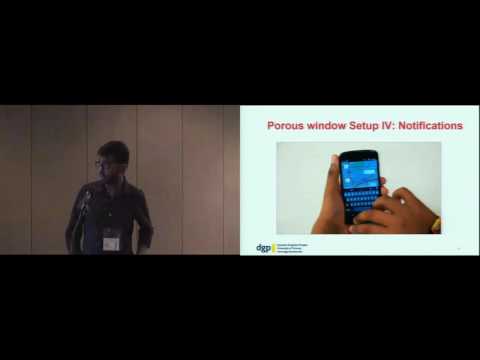
Porous interfaces overlay partially transparent app windows and assign different fingers to different layers, claiming to reduce 12 steps to 0–1 for simple multitasking. Prototype uses wearable optical detectors for finger identification and a simulated Android prototype with custom apps to demo single-step interaction, concurrent visibility, and one-touch content transfer (tap-and-beat gestures). A qualitative study reports positive reactions, while limitations include hardware dependence, problematic app pairings, and visibility/privacy tradeoffs.
AI-written summary · about
chapters (15)
- 0:00Start
- 2:42Porous Interfaces
- 3:50Concurrent visibility: Transparent overlapped windows
- 4:44Single step interaction: Different fingers for different windows
- 5:47Single step content transfer: Finger-identified beat gestures
- 7:53Fidelity
- 9:00Porous Window Setup I: Home Screen
- 10:13Porous Window Setup III: Switching
- 10:50Porous window Setup IV: Notifications
- 11:55Prototype
- 12:52What they liked
- 13:29Comments on app behavior
- 14:30Desktop style interactions
- 14:55Always available app
- 16:19Application Scenarios
related talks
 19mDesigning Multi-Touch Gestures Using the Space around the Smartwatch as Continuous Input Space
 20mIntroducing Transient Gestures to Improve Pan and Zoom on Touch Surfaces
 18mDigitSpace: Designing Thumb-to-Fingers Touch Interfaces for One-Handed and Eyes-Free Interactions
 19mDetecting Swipe Errors on Touchscreens using Grip Modulation
 24mFrom Touch To Code: Gestures and Beyond
 18mSkin-On Interfaces: A Bio-Driven Approach for Artificial Skin Design to Cover Interactive Devices
 17mCharacterizing How Interface Complexity Affects Children's Touchscreen Interactions
 21mDualKey: Miniature Screen Text Entry via Finger Identification