Advanced Functions and Parameter Techniques
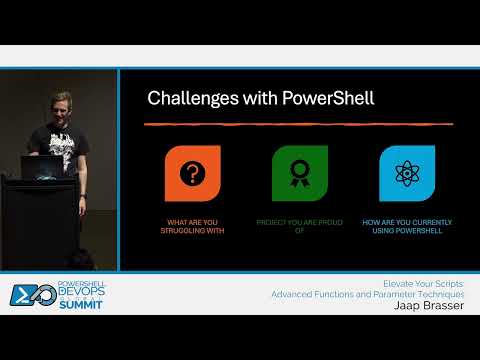
summary
Hands-on workshop style session that actually shows code: VS Code demos, PowerShell 7 behavior, and live fixes rather than slides. Covers dynamic parameters with a real extension-attributes example, parameter validation (ValidateScript/ValidateSet/ValidateRange), pipeline behavior and performance (ForEachObject vs for / -Parallel / runspaces), error handling and custom error variables, and a JSON-driven configuration system plus a quick hide-windows function demo — most examples run live and are runnable from the uploaded code.
AI-written summary · about
chapters (12)
- 0:00Welcome
- 1:09Conference logistics
- 13:18Configuring PowerShell
- 28:43PowerShell functions
- 46:11Function syntax
- 1:07:20Coffee break
- 1:18:52Parameter validation
- 1:36:35Pipeline support
- 1:55:16Parameter sets
- 2:09:34Error handling
- 2:26:25Advanced use cases
- 2:35:28Q&A
related talks
 45mBullet-proofing Patterns & Practices
 51mAdvanced Playwright Techniques for Flawless Testing
 36mCode Analysis: Empowering developers to write performant, reliable, and safe C++
 46mPSScriptAnalyzer (PSSA) VS-code integration & customization Compatibility Analysis
 46mAlways in Green
 43mTechnology mix: Test-Driven Development in action: live session
 45mA Crash Course in Writing Your Own PSScriptAnalyzer Rules
 29m6 Safe Refactoring's for Untested Legacy Code