Bullet-proofing Patterns & Practices
summary
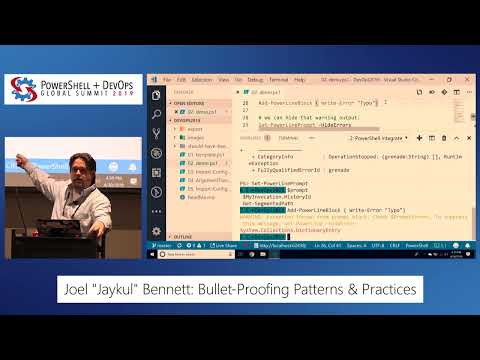
Walks through converting two scripts into a reusable module and shows exact changes: use [CmdletBinding()], [Parameter()] and [OutputType()] attributes, add try/catch that rethrows, log exceptions to the information stream so the real Exception object and timestamp persist, validate and rename parameters for clarity, bind by pipeline or property name, move one-time setup to Begin and per-item work to Process, prefer PSCustomObject with PSTypeNames or PowerShell classes as appropriate, and add an argument transformation to accept both module names and PSModuleInfo.
AI-written summary · about
chapters (18)
- 0:00Start
- 0:11How to Bulletproof Your Code
- 1:48Disclaimer
- 9:42Error Handling
- 10:07Exception Handling and Error Handling in Powershell
- 11:49Custom Logging Module
- 15:42Usable Commands
- 19:32Synopsis
- 20:14Examples
- 20:35Mandatory Parameters
- 21:23Parameter Documentation
- 21:56Write Tests
- 28:26Makes a Good Parameter Name
- 29:59Console Color
- 34:31Menu for Tab Completion
- 36:21When Should I Use Username and When Should I Use Credential
- 40:47Import Configuration
- 41:55Argument Transformation Attribute
related talks
 47mTempting Fate: Patterns & practices for shareable scripts and functions
 01h 45mWriting Award Winning PowerShell Functions and Script Modules
 52mPowerShell Module Design Rules (and When to Bend Them)
 46mFrom Script to Tool: Building Robust, Meaningful Tools with PowerShell
 52mWrite Modules, Not Scripts
 30mPokekYoke Mistake-Proofing your PowerShell scripts and functions
 37mUsing Windows PowerShell to create scripts your users want to use
 40mParameter Classes: Making parameter-binding user friendly