PSScriptAnalyzer (PSSA) VS-code integration & customization Compatibility Analysis
summary
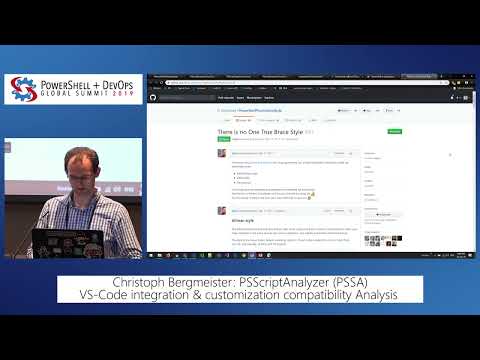
PSScriptAnalyzer integrates into VS Code via PowerShell Editor Services and actually shows which rules run, how to enable all rules by default by checking in a PSScriptAnalyzerSettings.psd1, and how to package compatibility profiles JSON to get per-OS and per-PS-version warnings. Demos show autofixable suggestions, pipeline indentation and casing fixes, and custom rules (InjectionHunter example) that return diagnostic records with custom rules with suggested corrections. Engine is a binary .NET Standard module, cold-run performance is about twice as fast in the shown release.
AI-written summary · about
chapters (16)
- 0:00Start
- 2:45What Is Peerscript Analyzer
- 4:50Invoke Script Analyzer
- 6:49Code Formatting
- 14:13Pipeline Indentation
- 15:32Correcting the Casing
- 18:07Integration into Vs Code
- 19:42Script Analyzer
- 20:21Commandlet Design Rules
- 25:02Compatibility Analysis
- 27:28Semantic Versioning
- 28:39Winforms in Wpf
- 31:17Compatibility Profiles
- 32:50Optional Profiles
- 33:30Custom Rules
- 33:48Hello World Example
related talks
 45mA Crash Course in Writing Your Own PSScriptAnalyzer Rules
 01h 32mOptimizing Visual Studio Code for PowerShell, 2023 Edition
 01h 14mCreating a PowerShell Editor
 54mContinuous Integration: Live Static Analysis using Visual Studio & the Roslyn API
 09mModern Static Code Analysis the Example of PVS-Studio
 46mOptimizing Visual Studio Code for Powershell Development
 46mUsing Automation To Elevate Your Code Creation
 36mCode Analysis: Empowering developers to write performant, reliable, and safe C++