For the Windows SysAdmin

summary
Steps to go from zero to managing Windows: set up a Linux control VM, install Ansible via pip using Python 3.11 requirement, add a local Windows user (called ansible) to Administrators, run the provided WinRM setup script with winrm with self-signed certs, pip install pywinrm, define inventory and group_vars, use win_ping then playbooks using win_file, win_copy and win_template (Jinja2) to create C:\tools and substitute variables, and run inline PowerShell modules; mentions AWX/Tower for automation.
AI-written summary · about
chapters (11)
- 0:00Ansible for Windows SysAdmins
- 1:51What is Ansible
- 4:16Ansible with Windows
- 8:27Install Ansible on Linux
- 16:38Prepare Windows host
- 20:33Configure Ansible inventory
- 26:44WinRM connection setup
- 32:49Ad-hoc to playbooks
- 37:25Run basic playbook
- 43:03Next steps resources
- 44:53Q&A
related talks
 01h 00mDon't fear the devops. Taming servers infrastructure with Ansible
 37mCloud Provisioning with Ansible? Is that possible?
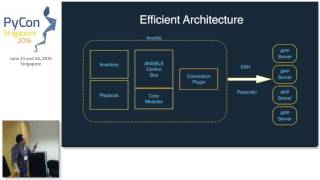 28mA tale of Ansible fanboy
 29mDeploying PHP applications with Ansible, Ansible Vault and Ansistrano
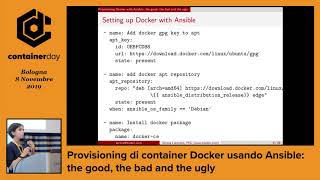 33mProvisioning Docker Containers Using Ansible: The Good, the Bad and the Ugly
 01h 11mConnect your servers to the Cloud using Azure Hybrid Management
 39mImprove Container Management with Event-Driven Ansible
 01h 34mM365 Automation using PowerShell in Azure Function