A GUIded Tour
summary
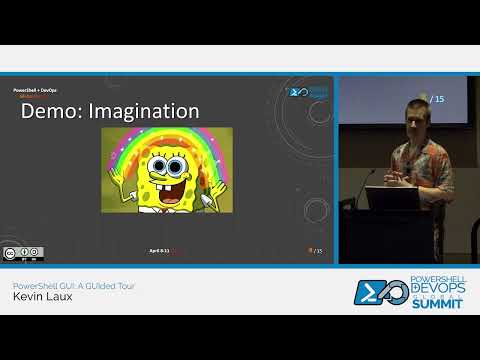
Demos show concrete results: an interactive menu that uses Out-GridView multi-select to pick and act on local accounts, a lightweight UI built by piping metadata into Show-Command as parameter UI, and a WPF XAML form that Bing Co‑Pilot generates in three prompts then gets tweaked in Visual Studio. A PowerShell Universal page exposes scripts with a scheduled refresh (~20s) and buttons that run simple scripts, and wrapping with PS2EXE still requires PowerShell and .NET so the executable is not fully standalone.
AI-written summary · about
chapters (13)
- 0:00Introduction
- 2:31When to build a GUI
- 7:08PowerShell UI elements
- 12:13Enhancing menus with Out-GridView
- 16:54Quick UIs with Show-Command
- 20:40Building GUIs from scratch
- 23:56AI-assisted form creation
- 27:53Editing XAML in VS
- 33:51Scripts to executables
- 36:14Platform UI solutions
- 37:16PowerShell Universal demo
- 42:54GUI development pitfalls
- 44:22Resources and community
related talks
 01h 15mBuilding a Modern, Native Application for Windows: Which UI Framework Should You Choose?
 45mUsing Power Platform to accelerate full-stack software development
 48m#WinUIEverywhere
 49mBuilding Event Driven User Interfaces
 33mWorking with Power Apps Galleries
 51mBuilding Amazing Single Page Applications the Right Way
 59mBuild Blazor Components with Confidence and Precision
 56mPrism and Xamarin Forms: create cross-platform app using the MVVM pattern.