Learn By Doing. Understanding spatial computing one small app at a time
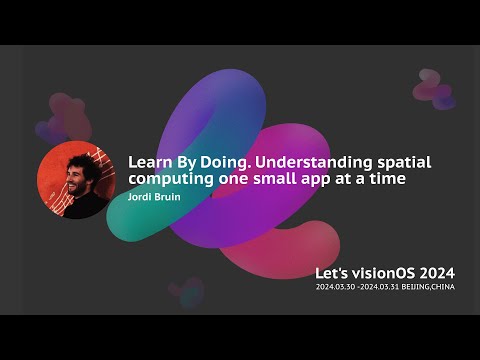
summary
Shows concrete micro‑projects: a live‑translation app built with five lines of code for speech recognition, fixed by routing audio through a phone mic; a HomeKit prototype that manually positions a window to toggle lamps and teaches world anchors persist across launches; a camera‑feed approach reused to make Split Screen (multiple Mac displays over Vision Pro); experiments with RealityKit/ARKit, hand tracking finger ruler, Persona preview and a spatial audio white‑noise app — all small builds that work and expose practical pitfalls.
AI-written summary · about
chapters (23)
- 0:00Intro
- 0:29Who am I
- 0:57WWDC 2020
- 1:41NaVi
- 2:35NaVi demo
- 4:00Life Translation
- 4:27Demo
- 6:07What can I do now
- 6:47How I make my apps
- 7:23Homekit app
- 8:47World anchors
- 10:25RealityKit
- 13:30Magic Room
- 14:58AR Helicopters
- 19:40Split Screen
- 21:39Virtual Keyboard
- 23:27Persona Preview
- 29:29Quality Check
- 31:42Hand Tracking
- 32:36What should I make
- 33:22Use cases
- 34:26News apps
- 35:24Small apps
related talks
 21mBuilding Intuitive AR Experiences on VisionOS
 20mWorking with AR by Jayway (Main Stage)
 42mSpatial UX & Spatial AI [Keynote]
 24mBuilding AR apps with ARKit on iOS by Shape (Main Stage)
 47mThink & Act Spatially
 20mSpatial computing with React
 25mCoding for the Senses
 38mWebRTC and Spatial Computing on Apple Vision Pro