Understanding COGA, W3C's cognitive accessibility guidelines

summary
W3C COGA provides concrete patterns: provide alternatives to numbers by pairing temperatures with plain suggestions like “take a jacket” and adding visual scaffolds; date inputs reformat or accept multiple styles; design systems include reader view and selectable fonts for dyslexia; prefer binary options when continua confuse users; document components, measure with usability tests, and test with users with cognitive differences to validate. Prioritize support personalization and instrument outcomes so changes actually improve comprehension.
AI-written summary · about
chapters (6)
- 0:00Intro
- 1:05Providing alternatives to numbers
- 6:23Multiple ways to understand content
- 13:11Implied content
- 20:11Separate versions
- 24:26Diversity of users
related talks
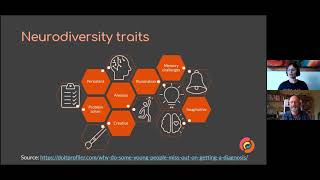 38mDesigning for people with cognitive impairments
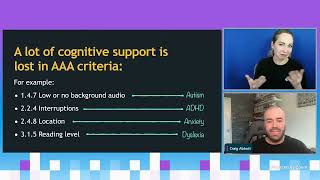 50mDesigning for neurodiversity
 22mAccessible Components with Homer Gaines
 49mRedesigning for Cognitive Ease
 01h 03mAccessibility: Making your websites more inclusive
 49mInclusive Design Patterns For 2025
 56mAccessibility Testing or: How I Learned to Stop Worrying and Ignore WCAG
 48mCoding For Accessibility Best Practices from the Front Lines