Tips & Tricks - 2022
summary
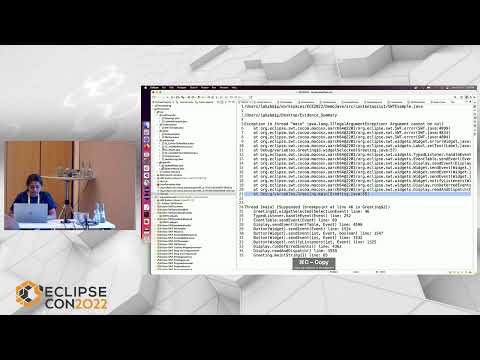
Eclipse IDE installer (eclipse.org/downloads) includes a JRE and ships quarterly; demo shows practical, working shortcuts and UI features rather than theory. Live examples include Find Actions opening views and running commands, multi‑caret editing and split editors, content assist with postfix templates and type‑filters, local history preserved up to 7 days, and new debug tools: Lambda entry breakpoint, trigger points, tracepoints, hit counts, launch‑configuration view, plus ANSI console styling and Java stack links. Target files can now reference other target definitions and workspace encoding defaults to UTF‑8.
AI-written summary · about
chapters (32)
- 0:00Eclipse features and tips
- 1:59Downloading Eclipse
- 2:21Eclipse shortcuts
- 3:02Appearance and editing tips
- 4:49Editor navigation
- 5:33Quick editing shortcuts
- 6:59Multi-select editing
- 8:48Edit history navigation
- 9:32File and project compare
- 10:57Java tips and tricks
- 11:18Abbreviating Java packages
- 11:40Open Type dialog
- 13:03Java hover and assist
- 14:27Advanced content assist
- 15:31Call hierarchy and assists
- 17:17Quick Java fixes
- 19:27Getters and setters
- 20:32JavaDoc and sealed classes
- 21:14Workspace search
- 21:58Debugging features
- 24:07Trigger points
- 25:52Debugging threads
- 26:34Variables view
- 28:51Debugging finals
- 29:34ANSI console styling
- 30:15Stack trace navigation
- 30:36PDE spies and tools
- 31:45Target editor
- 32:25Encoding settings
- 32:46Large file editor
- 33:29New features overview
- 34:51Q&A