IntelliJ IDEA-Based IDE Tips & Tricks
summary
Practical walkthrough of IntelliJ IDEA and JetBrains IDE features: using the Toolbox App for installing, updating, switching versions and changing heap size; searching actions/plugins with Double Shift or Shift+Cmd+A; structural navigation (Cmd+E, Structure), live templates, and completion with parameter hints; automated refactorings (including stream migration and duplicate detection), inspections and custom Structural Search & Replace rules; inline debugger with custom renderers and JVM memory viewer; and built‑in HTTP client and database tools for fast feedback.
AI-written summary · about
chapters (11)
- 0:00Introduction
- 5:02Toolbox and settings
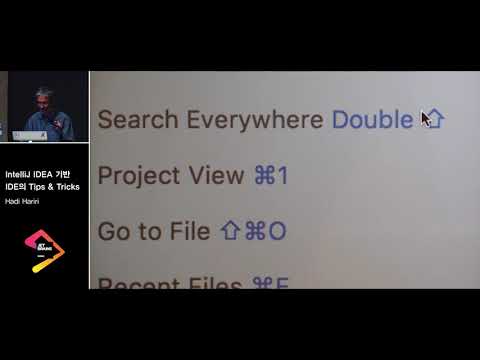
- 8:16Shortcuts and quick actions
- 12:27Editing efficiency
- 17:44Templates and codegen
- 21:47Code analysis
- 34:04Debugging and rendering
- 40:52Memory viewer
- 43:43Database and VCS
- 47:16Extra tools and plugins
- 50:09Code folding and wrap-up