IDEA Tips and Tricks
summary
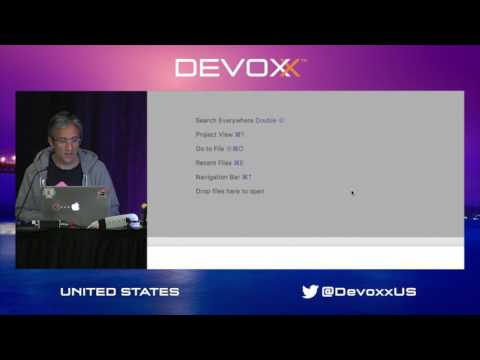
Live demo shows exact shortcuts and plugins that change day-to-day work: use JetBrains Toolbox to install multiple IDE versions and tweak JVM memory, enable the Presentation Assistant plugin to display shortcuts, and open the interactive Productivity Guide to see which features are never used. Navigation relies on double Shift, Shift‑Cmd‑A, recent files (Cmd+E) and namespace filtering instead of tabs. Editing tips include semantic selection (Option+Up / Ctrl+W), clipboard history (Shift‑Cmd‑V), postfix completion, language injection for JSON/regex, and an experimental code folding plugin on GitHub that visually transforms Java into a denser view.
AI-written summary · about
chapters (16)
- 0:00Introduction
- 4:30Help menu
- 11:00Navigation
- 14:30Editing
- 16:00Switching Files
- 17:45Edit Space
- 19:00Selecting Code
- 19:30Option Up
- 20:50Cursors
- 21:25CopyPaste
- 22:35Code Style Settings
- 25:00Postfix Completion
- 25:50Hippy Completion
- 27:35Validate Regular Expressions
- 29:20Advanced Code Folding
- 31:25var