Git Basics for a Non-Technical Audience

summary
An explanation maps the four file states (uncreated, staged area, edited, saved) to concrete Git commands and shows how to do everyday work from the terminal: git pull, git checkout/new branch, then edit locally, then git add and git commit, then git push. The claim is that those six commands cover 75% of day-to-day Git needs; the lightning format demonstrates the simple mental model and a working minimal workflow.
AI-written summary · about
related talks
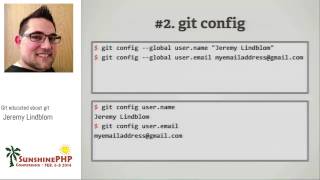 59mGit educated about git
 01h 22mGit-ting along with others
 26mGit in Control, Version Control and How it Could save Your Life
 56mGit Happens
 02h 57mA Comprehensive Guide to Setting Up and Using Git...
 25mUnderstanding git - even the scary parts
 28mHow to Really Get Git
 22mEssential Git Fu for tech writers