Recreating That AR App with 2019 Technology
summary
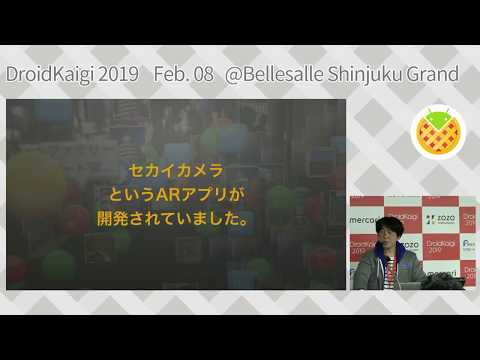
Recreates the Sekai Camera AR app using ARCore and Sceneform ArFragment for camera preview and placing 3D ModelRenderable and ViewRenderable tags. Captures composited screenshots with PixelCopy, stores tag data (type, message, geolocation) in Cloud Firestore with images in Cloud Storage and performs radius queries (~1 km). Implements a shared-session prototype using Cloud Anchors but falls back to geolocation for persistent placement because Cloud Anchors expire after 24 hours.
AI-written summary · about
chapters (15)
- 0:00Introduction
- 5:19AR app functions
- 7:532019 tech limits
- 9:25ARCore and Sceneform
- 13:10Sceneform benefits
- 15:523D model import
- 18:01Camera and UI setup
- 20:50AR interactivity
- 21:56Capture AR images
- 22:40Location data
- 24:12Saving AR tags
- 26:48Cloud Anchors
- 28:37Limitations and experiments
- 29:44Resources
- 30:05Q&A
related talks
 42mARCore - Basics and Tools
 49mCreating spontaneous AR interactions with Google ARCore and Instant Apps
 41mAUGMENTED REALITY FOR EVERYONE, EVERYWHERE WITH ARCORE
 15mARCore: Augmented Reality at Android scale
 36mBuilding an AR app with Compose & OpenGL ES
 44mNow smile (also in 3D)! Exploring AR, ML and Camera related APIs on Android
 37mExploring Augmented Reality with ARCore
 35mExploring augmented reality with AR Core