Styling text in Compose

summary
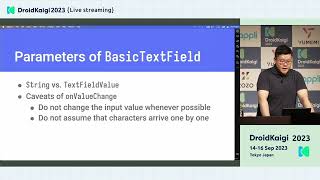
Jetchat is modified to match a Material 3 design: typography is overridden with custom TextStyle blocks and buttons inherit LocalTextStyle; message bubbles use maxLines = 8 plus onTextLayout to detect overflow via onTextLayout.hasVisualOverflow and reveal a “More” button. Fonts load with the Google font provider and can be preloaded via fontFamilyResolver.preload; variable fonts (Recursive) set axes with FontVariation. Message input uses BasicTextField with decorationBox, gradient border, and a cursorBrush gradient that changes color as typing approaches the limit.
AI-written summary · about
chapters (10)
- 0:00Intro
- 0:43Text Typography block and Text parameters
- 2:00Material implementation
- 3:09onTextLayout() API
- 4:10Downloadable fonts
- 5:19Variable Fonts
- 6:07AnnotatedString
- 6:48Styling TextField
- 7:46Styling BasicTextField
- 9:08Outro