Understanding Compose Text Field
summary
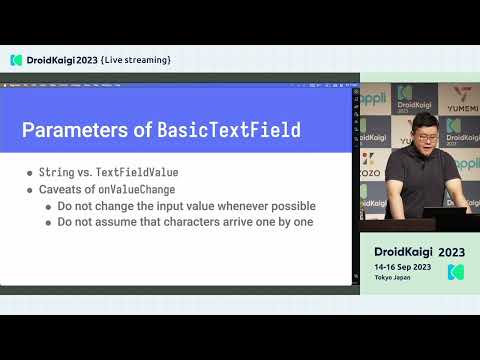
Covers detailed behavior of Jetpack Compose text fields: explains parameter meanings, common pitfalls, and concrete fixes. Demonstrates a custom Material-style field and a 4-digit PIN UI using decorationBox, shows how to enforce a max‑5 character filter without splitting surrogate pairs using Android ICU BreakIterator, and fixes Japanese/Latin line-height jumps by setting lineHeight ≈ 1.5× fontSize with trim and includePadding. Introduces BasicTextField2 (Compose 1.6 alpha) and its new concepts: TextFieldState, TextFieldBuffer, InputTransformation, unified line limits, and improved scroll and code-point handling.
AI-written summary · about
chapters (10)
- 0:00Text Field API overview
- 1:26Basic parameters
- 4:43Key parameters deep dive
- 14:24Character limit
- 21:18Line height and font
- 25:56Custom TextField
- 28:08State management
- 30:19BasicTextField2 introduction
- 37:15New API benefits
- 38:10Summary
related talks
 38mWrite it down: Using text in Jetpack Compose
 41mTextField in Jetpack Compose:past, present and future
 24mMastering Text Input in Compose
 35mReimagining text fields in Compose
 20mMastering Text Input in Compose
 39mText in Compose: Beyond the Basics
 26mDeep Dive into Jetpack Compose Text
 32mCompose your Text