Clean Code in Jupyter notebooks, using Python
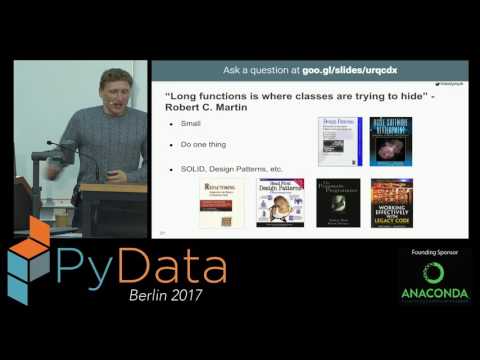
summary
Advocates concrete rules: keep each notebook small—four to ten cells per hypothesis—and make each cell produce one output per cell so readers follow the story; move reusable utilities into a shared library but keep the core analysis in the notebook; add tests using the pytest notebook plugin; serve a shared Jupyter server for reproducible environments; run notebooks from other notebooks to parametrize runs; use IPython widgets and Jupyter Dashboards to turn notebooks into products (deployed UIs on EC2 GPU instances with caching to make restart-and-run-all fast).
AI-written summary · about
chapters (22)
- 0:00Introduction
- 1:07Messy notebooks causes
- 3:54Clean code importance
- 5:16Clean code principles
- 7:20Naming best practices
- 8:45Clean functions in notebooks
- 10:53Comments role
- 12:40Python clean conventions
- 14:04Notebook organization
- 15:30Splitting strategies
- 16:58Reusing code utilities
- 18:00Secrets in notebooks
- 20:05Cell output clarity
- 21:13Testing notebooks
- 22:16Shared servers benefits
- 23:19Avoiding unreproducible notebooks
- 24:42Prototypes to results
- 25:46Running notebooks
- 26:49Notebooks as products
- 27:32Version control
- 29:18Summary
- 29:40Q&A
related talks
 49mBest tools for Jupyter notebooks
 09m9 Jupyter Notebook Tricks for Your Next Advent of Code
 26mUnit Testing Jupyter Notebooks - testbook
 29mOh no! I think my project is outgrowing my Jupyter notebook. How do I survive?
 29mUsing Jupyter notebooks to develop and share interactive data displays
 27mWriting a Book in Jupyter Notebooks
 25mTo Notebook or Not to Notebook: Multilingual Workflows for Data Analysis
 27mNotebook To Production