The New Frontend Toolkit: Popover API, Dialog, and Next-Gen CSS

summary
Live-coding shows native dialog element and Popover API used with plain HTML/CSS/JS: calls to dialog.showModal() and dialog.close(), popover with popover-target and ID linkage, and a user menu anchored via position anchor. Styling uses backdrop pseudo-element and transitions including starting-style / allow-discrete so fade/scale animations complete before display toggles. A reusable modal component with a timeout fallback proves functional; browser notes: Safari lacks closed-by outside-dismiss and position-anchor reached baseline in Jan 2026.
AI-written summary · about
chapters (8)
- 0:00Introduction
- 1:58Dialog element basics
- 8:03Dialog styling and closing
- 16:34Popover menu with API
- 27:20Smooth transitions
- 39:10Browser support and future
- 43:45Real-world usage
- 47:17Q&A
related talks
 44mDialog dilemmas and modal mischief: a deep dive into popovers
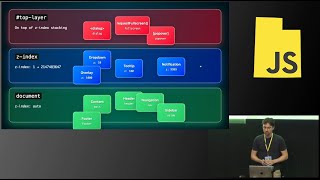 31mDiving into the Toplayer: Where Dialogs, Popovers, and Modals Live
 32mNative Popovers with the Popover API
 32mHow popovers are about to become a whole lot easier to build
 21mInstall Nothing: App UIs With Native Browser APIs
 44mThe Revival of Native Popups with the Popover API
 24mIndependent Popups with Element Reparenting & The HTML Popover API
 47mThe future of UI is "open"