Undoing Things and saving your Neck with Git

summary
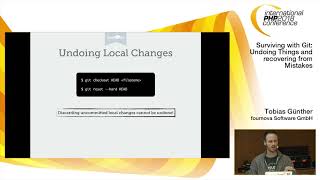
A practical tour of 16 real undo scenarios shows exact commands, surprising caveats and when history gets rewritten. Examples include fixing the last commit with git commit --amend, undoing one bad commit with git revert, wiping later commits with git reset --hard or keeping working changes with mixed reset, restoring files with git checkout <hash> -- file, recovering deleted branches via git reflog, and cleaning history with interactive rebase (squash, fixup, split). Tower GUI demos accompany the CLI.
AI-written summary · about
chapters (9)
- 0:00Start
- 4:27Fixing the Last Commit
- 5:33Reverting a commit in the Middle
- 10:47Resetting to an Old Revision
- 19:14Moving a commit to a New Branch
- 21:46Moving a commit to a Different Branch
- 24:14Editing Old Commit Messages
- 32:38Adding a Change to an Old Commit
- 38:01317 Splitting / Editing an Old Commit