Let's "git" it right !

summary
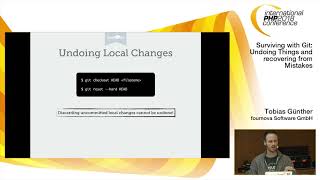
Live demo shows how to recover and reshape history: initialize a repo, use git add and git commit, then demonstrate git reset --soft versus git reset --hard (soft preserves staged edits, hard removes them), use git rm to delete from index and working tree, use git switch - to jump back to the previous branch, inspect history with git log and git reflog, and run git rebase -i to edit, reorder, squash and reword commits so feature edits group cleanly.
AI-written summary · about
chapters (10)
- 0:00Introduction
- 1:53Basic Git commands
- 5:58Soft vs hard reset
- 10:04Branching and switching
- 14:11Viewing commit history
- 17:29Advanced Git workflows
- 22:42Fixing merge conflicts
- 24:41Rebasing vs resetting
- 26:55Cleaning up history
- 27:42Q&A and closing