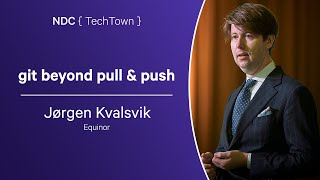
Git, Dammit!

summary
Demonstrates practical Git workflows for a three-person team: using git commit --amend and git rebase -i --autosquash to rewrite and squash bad commits, git add -p to split changes into proper commits, and git fetch combined with git reset (--soft/--mixed/--hard) plus force-push to recover from a broken local state. Live examples include fixing a typo, removing unwanted commits, and resolving duplicate commits after a pull to leave a clean, reviewable history.
AI-written summary · about
chapters (16)
- 0:00Introduction
- 2:07Team problems in Git
- 6:43Rewriting history with amend
- 10:58Fixing mistakes with rebase -i
- 17:25Resolving conflicts after rebase
- 19:53Git’s three states
- 22:23Deleting commit with reset
- 24:29Recovering from remote failure
- 27:17Rebasing branch onto branch
- 29:48Rewriting history to merge
- 34:56Git workflow tips
- 35:16Viewing changes with diff
- 36:20Splitting changes with add -p
- 40:18Switching to previous branch
- 41:02Undoing file changes with checkout
- 42:26Q&A