How to Low Code (for Developers)

summary
Client builds a Wix site over a weekend and asks for an API hookup; the site works for the event. Wix offers a visual editor plus a code layer with GitHub + CLI + VS Code integration and an embedded AI assistant trained on docs. Key constraints: Wix restaurant app has no extendable API, e‑commerce and CMS do expose full APIs, TypeScript isn’t supported out of the box, and code/data export is possible but the drag‑and‑drop UI cannot be exported. Developers decide tradeoffs, set guardrails, and measure migration risk.
AI-written summary · about
chapters (5)
- 0:00Introduction and personal journey
- 8:08What is low code today
- 13:45When low code works best
- 18:01Evaluating low code tools
- 24:38Key takeaways and conclusion
related talks
 19mThe tipping point of web development is here
 30mSo you've been told to low code, now what?
 39mWhy You Should Look Into Low Code
 29mLow-Code: It’s Also for Developers
 24mBuilding Scalable Apps with Low Code
 29mThe new Era of No-code/Low-code -Why and how to open your platform for external dev
 45mCSS-in-JS: FTW
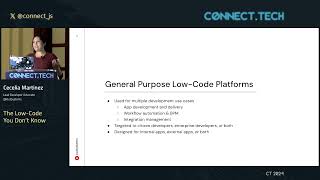 44mThe Low Code You Don’t Know