Build 3d experiences using Jetpack XR
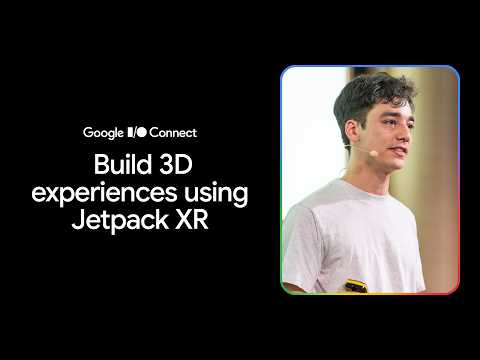
summary
Android XR runs on devices like Samsung Galaxy XR (first device, shipped October last year, >100 apps) and uses Jetpack XR layers: ARCore for Jetpack, Jetpack SceneCore, Jetpack Compose for XR, and Material for XR. Examples: Calm reuses Compose and builds an orbiter menu day one and a core experience in ~2 weeks; spatial panels, orbiters and subspace modifiers handle placement/rotation/resize; spatial glTF models support PBR and animations with introspection; persistent anchors save real-world placements; spatial external surfaces + ExoPlayer enable stereoscopic 180/360 video.
AI-written summary · about
chapters (13)
- 0:00Introduction
- 0:23What is Android XR?
- 3:21Jetpack XR libraries for immersive experiences
- 4:56Adding spatial capabilities to a 2D app
- 6:04App spaces: Home Space and Full Space
- 8:18Material Design for XR
- 9:08Subspace for fine-grained control
- 10:16Spatial panels and Orbiters
- 11:51Subspace modifiers
- 15:153D models, animations, and glTF introspection
- 18:13Spatial external surfaces and stereoscopy
- 20:42Android XR Developer Catalyst Program
- 21:16Session recap
related talks
 22mBuild 3d experiences using Jetpack XR
 32mPrepare for Android XR with Quick Wins and Powerful Features
 21mExtending Android XR’s Reality
 42mSo I tried to port my app to Android XR 🕶️
 43mSo I tried to port my app to Android XR 🕶️
 43mInstant XR: Just Add Browser
 34mHow to Be a Superstar AR Developer
 15mARCore: Augmented Reality at Android scale