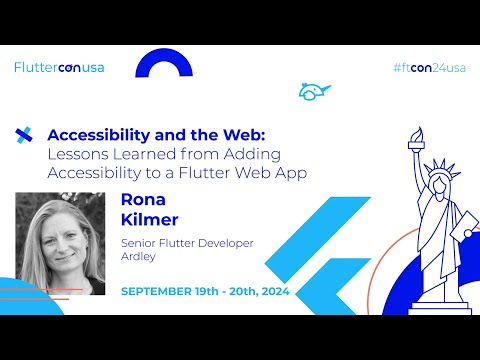
Lessons Learned from Adding Accessibility to a Flutter Web App
summary
Project adds accessibility to a Flutter web app and uncovers concrete issues and fixes: Chrome Lighthouse flags missing lang and a forced viewport meta (Flutter overwrites user settings, so scanners still fail), DevTools shows the accessibility tree once enabled, and enabling it with ensureSemantics exposes bugs and FPS costs. Workarounds include programmatic semantics init, a Positioned.fill + Semantics(hidden: true) dialog fix, replacing DropdownMenu with DropdownButton, using Title widgets, AnimatedOpacity.alwaysIncludeSemantics, and SemanticService.announce for alerts. Test on touch, keyboard, and screen readers.
AI-written summary · about
chapters (12)
- 0:00Accessibility in Flutter web
- 1:03Why accessibility matters
- 3:12Accessibility testing tools
- 8:46Fixing Lighthouse issues
- 9:08Debugging with DevTools
- 11:55Ensuring semantics
- 15:29Quick web accessibility tips
- 18:45Dialogue/dropdown bugs
- 25:49Focus versus keyboard focus
- 27:56Text field issues
- 29:39Lessons learned
- 31:22Q&A
related talks
 17mStop Treating Accessibility as an Afterthought: Concrete Steps to Build Inclusive Apps
 27mFrom Widget to World Making Flutter Apps Truly Inclusive
 13mLearn how Flutter enhances web apps
 40mGetting started with mobile accessibility: iOS, Android, and Flutter
 33mAccessibility in Flutter
 15mTesting that your app is accessible to all
 25mCreating responsive UIs and other nuances of Flutter Web
 49mAccessibility of Flutter Apps, or How to Increase Traffic by 20%