Keynote: So, I have all these Docker containers, now what?
summary
Containerized apps move from per-machine ops to declared desired state: Kubernetes (with Docker images, pods, services, replication controllers and volumes) schedules pods across clusters, reclaims reserved resources, and handles failures and preemption. Google-scale numbers anchor the claims: 10,000 tasks boot in ~2m40s, binaries ~50MB cause heavy IO, about 7–8 of 10,000 tasks not running at a time due to preemption. Demo shows live rolling update and scaling working on Google Container Engine.
AI-written summary · about
chapters (19)
- 0:00Start
- 8:43Failures
- 17:27Old Way: Shared Machines
- 18:13Old Way: Virtual Machines
- 19:14New Way: Containers
- 20:04Docker Example
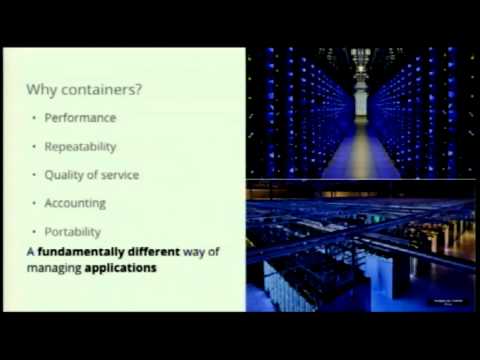
- 22:14Why containers? • Performance
- 27:51Concepts Intro
- 28:33Kubernetes Cluster
- 29:28Cluster Options
- 30:18Pods
- 36:51Sidecar Pattern
- 37:12Ambassador Pattern
- 37:43Adapter Pattern
- 38:08Labels
- 39:06Replication Controllers
- 42:08Canary Example
- 43:25Developer View (Replication Controller)
- 54:35Frequently Asked Questions
related talks
 23mKeynote: KubeCon Opening Keynote
 27mKeynote Address
 29mDocker for Managers
 46mFrom Docker To Kubernetes: A Developer's Guide To Containers
 41mGoogle Container Tools: Develop Efficiently [...]
 16mRunning Services at Google Scale
 39mHow Google Cloud Hosts and Manages Kubernetes at Scale
 34mKeynote: Dockerizing legacy apps