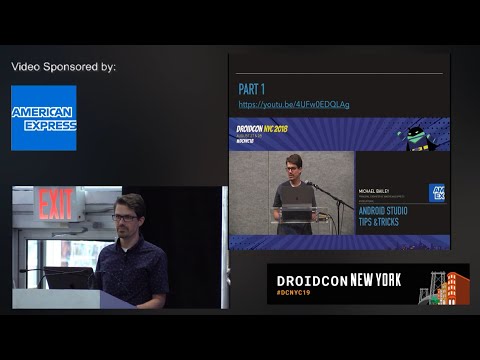
Android Studio Tips and Tricks Part 2
summary
Concrete, actionable Android Studio tricks: map caps lock to escape on macOS to avoid missed Escape taps; use the resource manager instead of old thumbnails to preview drawables, colors and layouts; register prettier external tool with an IntelliJ macro and a shortcut to auto-format Markdown; run the IDE merge resolver for rebases, inspect and stop selected Gradle daemons to save memory, toggle power-save mode for responsiveness, and create live templates/log snippets to speed common edits.
AI-written summary · about
chapters (24)
- 0:00Introduction and speaker intro
- 1:17Job opportunities at American Express
- 2:21Fixing Find Action shortcut conflict
- 3:24Mapping Caps Lock to Escape
- 4:07Resource Manager replaces Show Images
- 5:53Gradle Sync tree view update
- 6:17Setting up External Tools
- 11:19Resolving Git conflicts in Android Studio
- 13:59Splitting editor and navigation
- 16:07Troubleshooting Android Studio performance
- 19:21Power Save Mode and highlighting
- 20:28Semantic highlighting for variables
- 22:23Ignoring unwanted imports
- 24:57Fixing inspection issues in bulk
- 26:45Code cleanup and redundant semicolons
- 27:06Postfix completions for loops and try-catch
- 28:54Customizing postfix completions
- 30:26Live templates for code snippets
- 31:15Creating Kotlin live templates
- 34:32Browsing type hierarchy
- 35:36Device File Explorer for debugging
- 36:46Hiding tool windows for focus
- 38:01Configuring notification preferences
- 39:24Q&A and closing remarks
related talks
 40mCool tricks you (probably) didn't know in Android Studio
 41mAndroid Studio Tips and Tricks Part 3
 26mFifty Shades of Android Studio
 43mAndroid Studio Tips and tricks
 28mWant to Revisit Your Android Studio Settings?
 42mAndroid Studio: Tips and tricks
 36mThe little secrets of Android Studio
 35mAndroid Studio Like a Boss