Bringing your app to life - Motion Animations everywhere

summary
Motion design matters because it makes UI behavior informative and natural and MotionLayout puts that into XML so interactive, seekable transitions become practical. The talk shows concrete tools: MotionLayout (a ConstraintLayout subclass), ConstraintSet animations for start/end layouts, and keyframe set plus value/object animators for arcs, rotation and synchronized multi‑view choreography. Examples include a draggable “Hello World” that drives other views, a Pikachu that moves on an arc and rotates at 50% progress, and working demos that prove the approach; advice: flatten layouts and plan animations like an animator.
AI-written summary · about
chapters (10)
- 0:00Introduction and speaker intro
- 0:30History of motion design
- 7:49Motion design principles in apps
- 10:17How to think like an animator
- 11:20Animation options in Android
- 15:11Constraint set animations
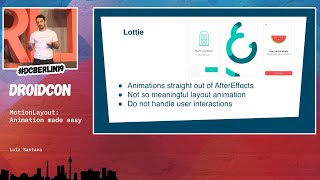
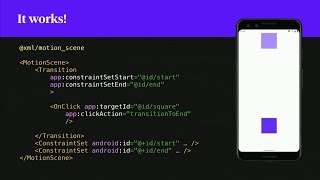
- 17:18Motion layout basics
- 20:48Interactive animations with motion layout
- 27:08Key takeaways and conclusion
- 27:30Q&A session
related talks
 19mMotionLayout: Animation made easy
 40mAdvanced & Practical MotionLayout
 39mAdvanced & Practical MotionLayout
 39mExploring MotionLayout
 43mMoving to MotionLayout
 21mResponsive UI with Constraint and Motion layout
 44mPractical Motion with Constraint Layout
 42mDo the Loco-MotionLayout: Building animations with MotionLayout