Why & How to NUKE your AWS account
summary
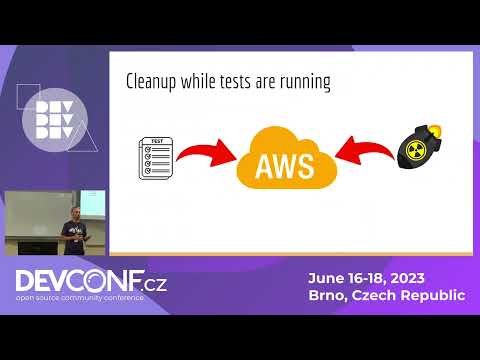
Describes a concrete workflow that uses AWS Nuke to scan all regions, tag every found resource with a first-seen timestamp, and repeatedly retry deletions until gone. A nightly test suite runs for 2–3 hours, so anything older than five hours is safe to list for removal; filters and regexes exclude critical identities and resources. Expect handling of cross-resource dependencies, S3/ELB/EC2 specifics, and reduced cost and quota incidents once automation replaces manual cleanup.
AI-written summary · about
chapters (13)
- 0:00Introduction
- 0:24The problem of stale resources
- 0:59Manual cleanup challenges
- 1:52Automating the cleanup
- 2:25Discovering AWS Nuke
- 2:46AWS Nuke overview
- 3:27Configuring AWS Nuke
- 4:05Running the cleanup
- 5:13Filtering resources
- 6:01Limitations and challenges
- 6:30Implementing smart tagging
- 10:19Conclusion and Q&A
- 11:52Closing remarks
related talks
 32mWhizBangLambdaFix: where AWS Misconfigurations...
 46mAttacking AWS: The Full Cyber Kill Chain
 38mFully managed malware and antivirus protection for Amazon S3
 46mWhat You'll Miss on AWS & How To Find It
 31mAutomating the Management of the Operational Health of Cloud Accounts at Scale
 20mFantastic AWS Attacks and Where to Find Them
 35mThe Good, the Bad and the Ugly — one year of integrating AWS security services
 43mThink like a HACKER