From Hell tp Heaven: Porting Doom to MAUI
summary
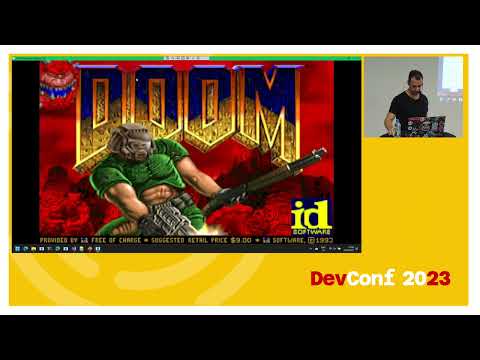
Porting the C# Doom WPF port to .NET MAUI uses MAUI + .NET, a SkiaSharp SKBitmap replacement for the missing WritableBitmap, and embedding the WAD files into the app package instead of loading arbitrary files. Major hurdles: no built‑in index‑8 pallet support (solved with managed conversion then sped up by an unsafe C# block), platform differences in color ordering, and MAUI swallowing Windows key events (fixed by adding a Windows-only keyboard behavior that traverses the visual tree). Outcome: a playable cross‑platform Doom with some duplicated platform-specific wiring.
AI-written summary · about
chapters (9)
- 0:00Introduction and setup
- 3:22What is MAUI
- 7:01Starting the MAUI port
- 15:31Replacing WPF components
- 24:21First MAUI build attempt
- 32:10Performance fixes and platform quirks
- 34:20Extending MAUI controls
- 39:25Hardware keyboard support
- 45:18Summary and Q&A
related talks
 56mFrom Hell to Heaven: Porting Doom to MAUI
 56mFrom Hell to Heaven: Porting Doom to MAUI
 29mHow I Ported Doom to the Browser with WebAssembly
 53mSafety first! Low-level C# without the unsafe keyword
 33mRun your favorite games everywhere with WASM: the BlazorDoom use case
 53mSafety first! Low-level C# without the unsafe keyword
 57mCross-platform development with .NET MAUI
 42mMigration and Modernization with .NET MAUI