Modular World Building
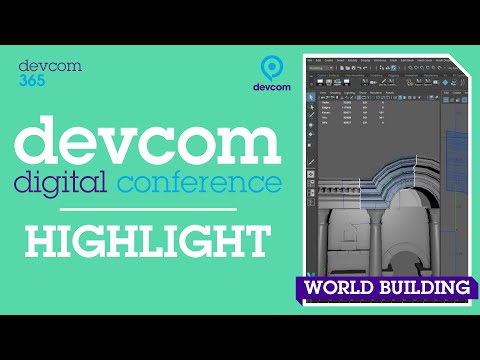
summary
Shows a concrete Maya-centered workflow: custom hotkeys and scripts, using the grid as meters and multiples of two for airtight modular pieces, build profiles from revolves from curves, export low-poly blocks with preserved 2 UV channels as FBX and paste-import into Unreal 4. Demonstrates a homemade Quick Unreal Export pipeline that sets scale and metadata so exported assets land at correct size in engine, and assembles a full level that actually works.
AI-written summary · about
chapters (20)
- 0:00Start
- 2:12How To Set Up Maya
- 3:38File Browser
- 4:09Setting Up the Display Options
- 4:39Odn Tool
- 5:21Modify the Grid
- 7:28Hockey Editor
- 7:40Create My Own Presets
- 11:12Eb Curves
- 12:09Curves in Maya
- 12:47Snapping Hotkeys
- 16:49How To Put It all Together
- 18:11Low Poly Modeling
- 19:38Modeling
- 22:51Tweaking Your Meshes
- 28:12Extract Curves from Objects
- 34:07Lighting
- 35:20Importing and Exporting from Maya to Unreal
- 36:50Quick Unreal Export
- 41:44Custom Attribute
related talks
 45mBuilding Better Worlds with Houdini and Unreal Engine 5
 38mCreate Stunning Visuals: A New Workflow for Artists
 55mPopulating Space
 35mCreating Interactive Archviz Walkthroughs in Less Than an Hour
 26mHow Unreal was Used in the Design of the World's Most Advanced Research Facility for Neutron Science
 38mBuilding Worlds in ‘Fortnite’ With Unreal Engine
 43mThe Magic of Unreal Engine 4
 55mCreating Decimated with Houdini and Unreal Engine