Conversational power for Android apps
summary
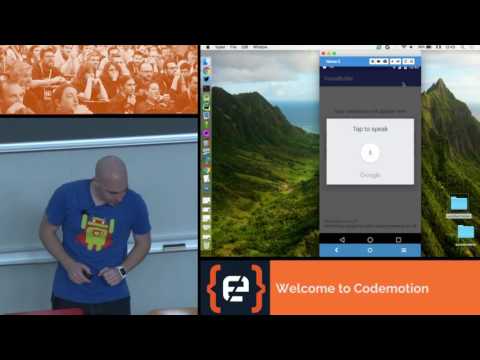
Shows how to add voice-based conversational features to Android apps by capturing user speech, performing speech understanding, and producing voice replies. Covers using Android’s internal APIs, integrating external services, and the necessary coding to connect these pieces.
AI-written summary · about
chapters (13)
- 0:00Start
- 2:48TextToSpeech - check TTS capabilities
- 4:36TextToSpeech - setting a language
- 7:10TextToSpeech - speak
- 9:33Text-to-speech - advanced
- 13:10TextToSpeech - check for the service
- 14:28TextToSpeech - prepare the intent
- 17:51TextToSpeech - initialization
- 19:11TextToSpeech - check results
- 19:46TextToSpeech - lifecycle
- 20:17TextToSpeech - launch recognition
- 20:28SpeechRecognizer
- 22:12NLP result
related talks
 55mConversational power for Android apps
 35mHaving a Voice on Android: How hard can it be?
 47mBuilding Voice-First Android Apps
 25mParty Like It's 1970: Conversational Interfaces Are Back
 42mThe State of Voice Interactions on Android
 16mHow to voicify your Android app
- 47mBuilding Voice-First Android Apps
 43mThe State of Voice Interactions on Android