Locking, blocking and rocking Android for Self-service Kiosks
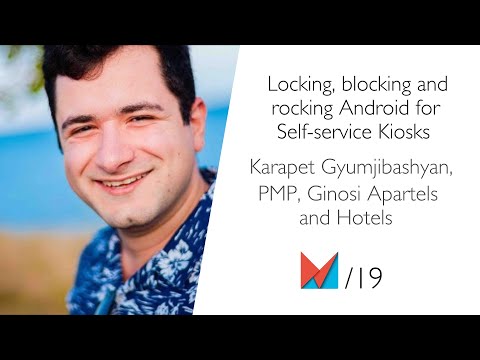
summary
Concrete wins and costs: make the app device owner or use the Android Management API (QR enrollment via ten taps); disable status bar, soft keys and hardware buttons; catch crashes with a custom uncaught exception handler and send crash reports manually; use frequent heartbeats and push commands for remote maintenance. Hardware choice matters: off‑the‑shelf saves time but fails under 24/7 stress, custom hardware requires Google licensing (~$10k, ~6 weeks) and older Android, so expect tradeoffs and measurable surprises.
AI-written summary · about
chapters (14)
- 0:00Introduction
- 1:19Kiosks vs Mobile
- 2:34Google Play Services
- 4:19Mission to Mars
- 5:10Device Owner
- 6:25Disable Soft Keys
- 7:44Android Management API
- 8:21QR Code Scanner
- 9:14Hardware Options
- 11:18Hiding the System
- 12:44Other Features
- 13:23Remote Monitoring
- 15:36UIUX
- 17:17Questions
related talks
 29mBuilding kiosk app: tips and tricks
 35mMobile: Kiosk mode, od podszewki
 23mDo Androids Dream of Electric Fences?
 39mAndroid App Security Fundamentals
 40mAndroid Large Screen:How your app can power a workstation
 24mModern Android App Security: Protecting Code, Keys, and Data
 24mBehind The Screen: The Humans Who Use Our Code
 34mDon't Kill My App: Android survival guide