Android Large Screen:How your app can power a workstation
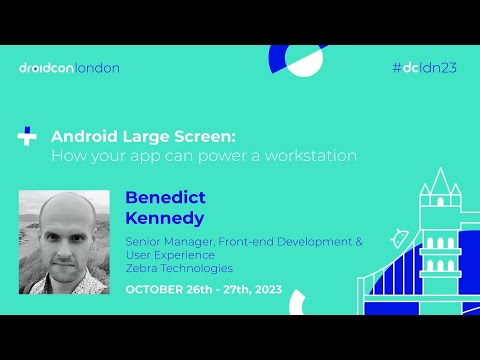
summary
Zebra demonstrates turning a TC52 phone and a workstation connect dock into a usable desktop workstation for retail and healthcare, consolidating POS, printers and scanners into one device; demos show flaky ADB but the docked desktop mode ultimately works. Guidance is concrete: three gradations (ready, optimized, differentiated), use WindowMetrics and window size not device size, Android 10+ resumes all visible activities, persist state via rememberSaveable/ViewModel/saveStateHandle, scanner input via DataWedge, and web fixes like CSS over-scroll-behavior. Open-source Flutter components and Zeta design tokens live on GitHub and pub.dev.
AI-written summary · about
chapters (11)
- 0:00Introduction and setup
- 8:03Android large screen overview
- 10:42Large screen readiness
- 15:25Multi-window mode demo
- 20:18State persistence in large screens
- 22:28Large screen for web and Flutter
- 26:32Large screen optimized apps
- 31:12Accessibility in large screens
- 37:58Flutter accessibility components
- 39:02Zeta design system
- 40:08Q&A and closing
related talks
 19mYour app could use a secondary screen!
 47mOptimizing Android apps for desktop experience
 42mOptimizing Android apps for desktop experience
 47mDeveloper's Insight: Transforming Business with DeX
 51mBuild Responsive UI in Android
 16mDeveloping for Android & large screens
 39mFinding Success on Large Screens and Foldables
 30mTablets, Desktops, Foldables Oh My!