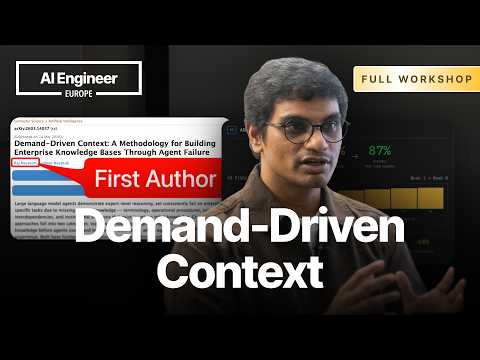
Demand-Driven Context: A Methodology for Coherent Knowledge Bases Through Agent Failure
summary
Claims a practical loop: give agents real incidents, capture where they fail, extract missing facts, and add those as small Markdown context blocks so agents improve. Demo uses Copilot, Cloud Code and flat-file/GitHub storage, runs a batch of past incidents and 14 incidents raises confidence 1.4→4.4 after iterative curation. Built an automated context gap scanner, prefers stores curated context in GitHub for PRs and review, and shows the approach works in the demo and scales via automation.
AI-written summary · about
chapters (19)
- 0:00Introduction and speaker background
- 2:47The situation: Analogy to the movie Memento and AI's memory constraints
- 3:55Evolution of AI: From prompt engineering to deep agents
- 4:33Enterprise AI challenge: Why productivity isn't moving
- 5:33The problem: Green (general), Orange (taught), and Red (institutional/tribal) knowledge
- 10:11The Monolith: Why institutional knowledge is often outdated or missing
- 11:24Solution introduction: Demand-driven context
- 13:05The "Pull" strategy: Learning by doing vs. pushing information
- 14:48The agent lifecycle: Problem to discovery to documentation
- 17:46Demo introduction: Using a framework for context management
- 19:12Live demo: Incident root cause analysis and context discovery
- 24:05Scaling: 14 incidents to show confidence level improvement
- 26:27Automated scale: Validating knowledge across the monolith
- 33:01Storage strategy: Why GitHub is preferred for knowledge repositories
- 34:47The Meta Model: Navigating domain relationships
- 36:27Value proposition: Knowing the unknown and managing knowledge
- 39:02Summary: The 80/20 rule and cache-based context blocks
- 40:15Workshop takeaways: Repositories and scanners
- 43:33Q&A Session: Addressing scalability, tooling, and cost
related talks
 29mHow to Structure Context to Make Your Agents Smarter
 31mBuilding the Context Engine AI Agents Need
 27mContext is the new code: The context development lifecycle
 28mContext Is the New Code
 31mBuild Intelligent AI Agents With Context Engineering
 15mContext Is the New Code for AI Agents
 15mUnderstanding Context Engineering for Agentic Systems
 56mConnecting the Dots with Context Graphs