Progressive Web Applications - The best of both worlds (App & Web)

summary
Progressive Web Apps use a Service Worker to intercept requests, provide offline caching (cache-first and race strategies) and background sync via IndexedDB, a Web App Manifest to become installable with home‑screen icons, and VAPID-encrypted push (demo uses Workbox) for native‑style notifications; Payment Request API handles in‑browser card checkout. Flipkart’s PWA is ~10× smaller than its native app and reports a 64% engagement uplift, and the sample built during the session scores 73/100 in Lighthouse, proving the approach works.
AI-written summary · about
chapters (15)
- 0:00Progressive Web Apps intro
- 6:17Native apps vs mobile websites
- 9:00What makes a PWA
- 12:25Good PWA characteristics
- 15:20Progressive enhancement
- 18:00Installing PWAs
- 19:45Service Worker basics
- 23:51Service Worker lifecycle
- 31:24Offline with Service Worker
- 35:52Background sync
- 39:23Push notifications
- 43:36Secure push setup
- 47:12Simplified payments
- 50:40Lighthouse testing
- 51:46Resources & closing
related talks
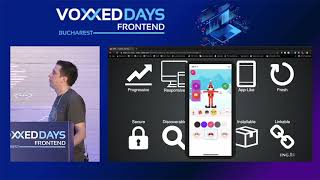 38mProgressive Web Applications: The What, the Why and the How
 32mProgressive Web Apps
 29mProgressive Web Apps: What, Why and How?
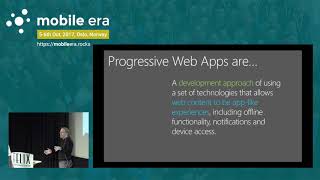 46mKeynote: Progressive Web Apps
 43mThe search for App-iness: building the future with Progressive Web Apps
 47mProgressive Web Apps
 50mThe (Awesome) Future of Web Apps
 29mAre Progressive Web Apps the new future?